 PIM. You may think of these initials as meaning Personal Information Manager. They could also mean ‘Partly Informed Manager’ or ‘Pretty Impressive Mess’ . So we thought we would give you some hints on how to set up PIM so you have it flying from day one.
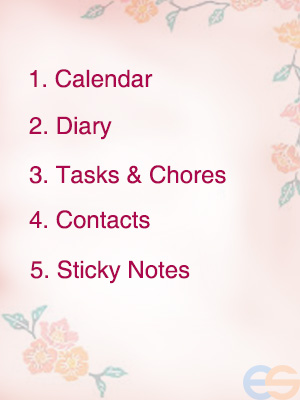
Your Calendar
PIM does everything that you want a calendar to do. It set dates and reminders, with both visual and sound alerts. Its lets you attach files and make recurring entries like birthdays and anniversaries.
Dear Diary
If you like to keep daily records or notes that are too long to put in the calendar you use the Diary.screen. It’s so much quicker that laboriously scribbling those notes even if your handwriting is particularly neat. And guess what? you can search electronically for stuff you wrote a year ago without leafing through hundreds of pages of diary entries. It’s also very handy to be able to move blocks of text to another Diary entry on the same subject on a different date so you can hold everything together. You can then also copy the whole text into notes or transfer to an external file. Also the word processing facilities in there so can set your own favorite font and character size and make your daily entries a work of art.
Tasks and Chores
Personal Information Managers always include to do list. You can manage your household chores and work stuffs in the same file by grouping or categorizing. Don’t forget the priority settings with color coded labels.
Contacts
It not only helps manage diary, tasks, at the same time, it always helps manage contacts. You can import your contacts easily and it’s a useful feature but we have also.added many features . For example sorting your contacts into groups, sorting by order of importance, notes about each of them and to display only as much as you need in the primary view before drilling down to get the full details.
Sticky Notes
This feature is brilliant – saves all those sticky notes stuck on your wall or desk. You just write the note and it sticks to your desktop screen until you discard it.
Leave a Reply
You must be logged in to post a comment.